
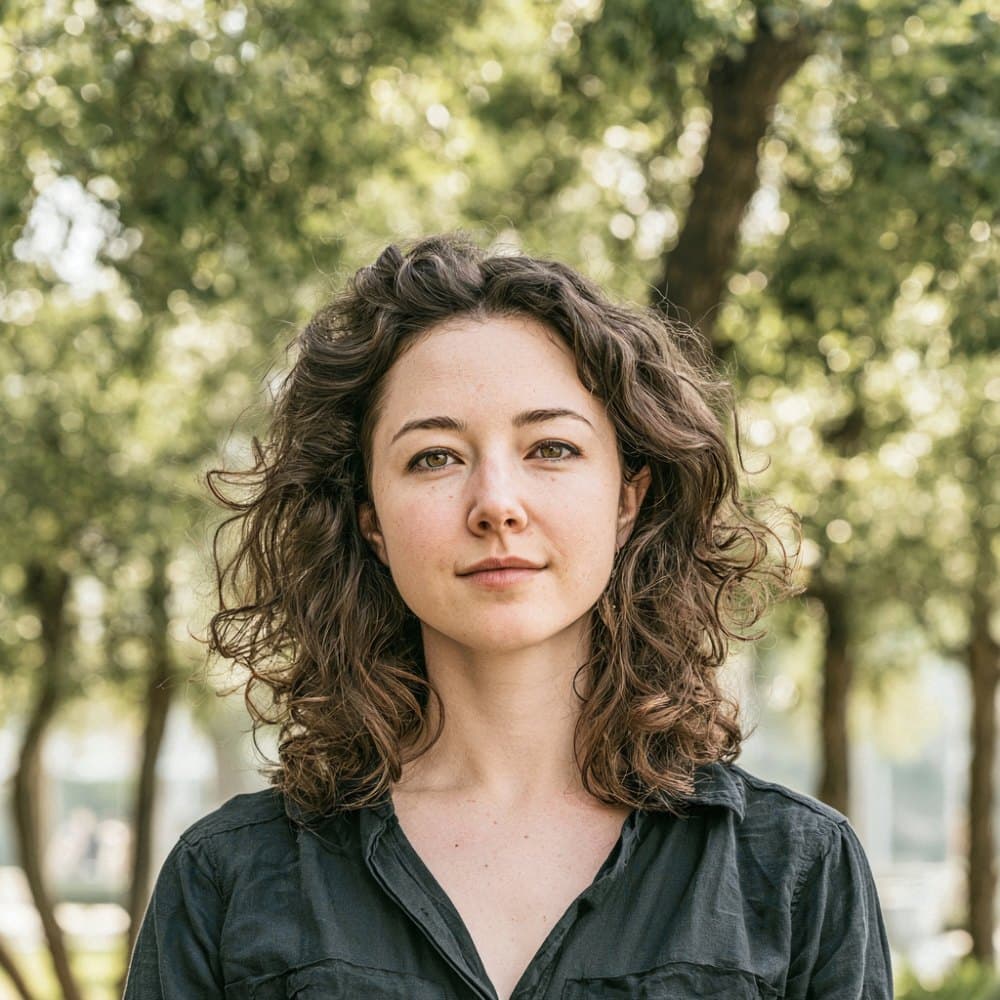
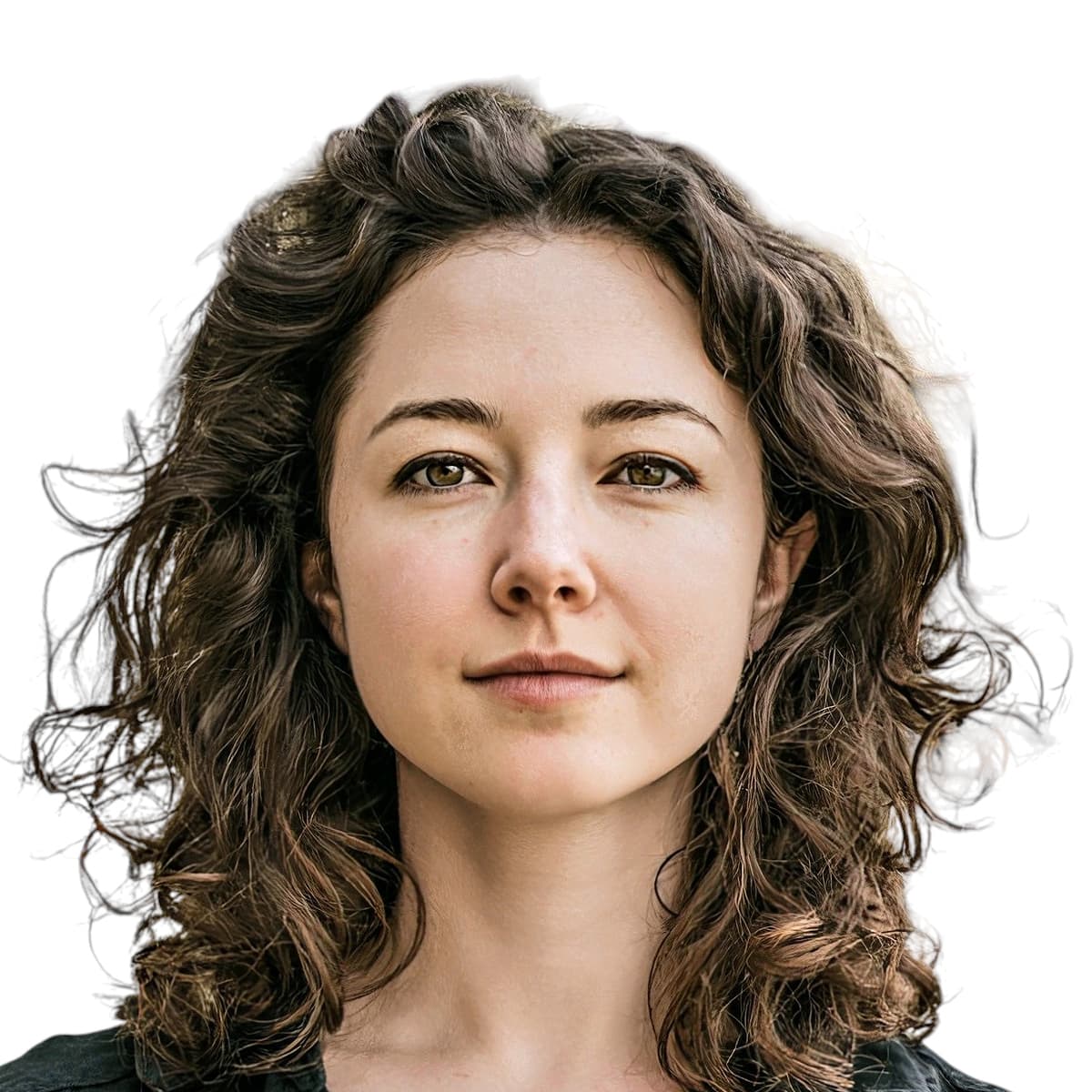
Uruguay visa photos issued by MRREE consulates
Uruguay’s visa photo standard is set by the Ministerio de Relaciones Exteriores (MRREE) and applied through its consulates abroad. The same ’foto tipo carné’ specification covers every visa category, from tourist and business to student, work, family reunification, and the Residencia para Nómadas Digitales. A pure white background, a recent capture (within the last six months), and a clear frontal pose are the constants across every consular page.
Uruguay does not outsource intake to VFS Global, BLS, TLS, or CGI. Applications run directly through Uruguayan consulates or the national portal at tramites.gub.uy, and most cases follow a two-stage flow: a digital upload at application initiation, then a physical print presented at the consular interview. Print sizing follows the host consulate’s region, with 51 by 51 mm used across the Americas and 35 by 45 mm used at European, UK, and Australian posts.
Consular officers review each photo by eye rather than through an automated biometric gate, and they will reject or return an application when the subject wears glasses, shows hair accessories, or submits a print older than six months. Planning for two identical color prints at interview time is the safest approach, since copy counts vary slightly between posts.
What the MRREE expects in your Uruguay visa photo
Uruguayan consulates review every photo by eye, so the subject rules below carry real weight. Follow them and your application moves cleanly through the consular interview.
Expression & pose
- Frontal alignmentThe photo must be taken straight on ("tomada de frente"). Profile and three-quarter views are not accepted by Uruguayan consulates.
- Neutral expressionKeep a relaxed, neutral expression with the mouth closed. Avoid laughing or showing teeth.
- Eyes open and visibleBoth eyes must be open and clearly visible to the camera so the consular officer can confirm identity.
Eyewear & lenses
- EyeglassesGlasses are prohibited. The Madrid consulate states the rule plainly ("sin gafas"), and the same standard is applied across the Uruguayan consular network.
- Tinted or coloured lensesSunglasses and tinted lenses are not accepted. The eyes must be unobstructed.
Hair & ears
- Forehead and hairlineHair must not fall across the forehead or cover the hairline. Bangs that obscure the brow area are not accepted.
- Ears visibleBoth ears should be visible in the frame. Pull long hair back so the sides of the face are not covered.
Headwear & accessories
- Hats and head coveringsHeadwear is not permitted. The Madrid consulate specifies "sin accesorios en cabeza ni cabello" (no accessories on the head or in the hair).
- Hair accessoriesClips, bands, ribbons, and other decorative items in the hair are not accepted.
Jewelry & piercings
- JewelryAll jewelry should be removed for the photo. This includes earrings, nose studs, and visible necklaces or chains.
Clothing
- Everyday clothingWear normal street clothing in a colour that contrasts with the white background. Uniforms are not accepted unless worn daily for religious reasons.
Photo recency
- Taken within six monthsThe photo must have been taken within the last six months ("no tener más de 6 meses") and must reflect your current appearance.
Dimensions, resolution & background.
Head position & camera distance.
- Head height, measured from the bottom of the chin to the top of the head, must be between 30 mm and 36 mm (roughly 60–71% of the photo height).
- Eyes must sit between 28 mm and 34 mm from the bottom of the photo.
- The head must be centered horizontally in the frame with a small symmetrical margin on each side.
- Both shoulders must be square to the camera and visible. Three-quarter angles or rotated torsos are not accepted.
- The full face from chin to crown must be inside the frame with proper top margin.
How recent the photo must be.
Your visa photo must have been taken within the last six months. A new photo is required sooner whenever your appearance has changed in a way that makes the old photo no longer recognizable.
You need a new photo if you’ve had…
- Facial surgery or a major change to facial structure
- A significant gain or loss of weight that visibly changes your face
- Large facial tattoos or piercings added or removed
- A gender transition that has changed your appearance
You do not need a new photo just because of…
- A new hair color
- Growing or removing a beard or moustache
- Ordinary, minor aging
- A new hairstyle that still leaves the face fully visible
Other things to know.
A few specifics about how Uruguay handles visa photo submissions are worth knowing before you apply.
No third-party visa centres
Uruguay does not use VFS, BLS, TLS, or CGI. Applications are filed directly with a Uruguayan consulate or through the national portal tramites.gub.uy, and a human consular officer reviews each photo.
Two-stage submission
Most applications run in two stages: a digital photo uploaded at application initiation, then a physical print presented at the consular interview when the visa sticker is issued. Plan for two identical prints to cover both consular practices.
Print size varies by region
The MRREE does not fix a single millimetre size centrally. Consulates in the Americas (US, Cuba, Costa Rica, Miami) accept 51 by 51 mm (2 by 2 in), while consulates in Europe, the UK, and Oceania accept 35 by 45 mm. Match the size to the consulate handling your file.
Residency photos are separate
Residency applications processed inside Uruguay by the Dirección Nacional de Migración use the smaller Latin American "foto carné" size (around 30 by 40 mm or 40 by 40 mm). That is a DNM requirement, not an MRREE visa requirement.
Take your Uruguay visa photo at home in three steps.
Plus a human layer. Your files are ready the moment the automatic checks pass — and a real passport-photo specialist also reviews each one, usually within minutes, touching up small issues or flagging anything that needs your attention.
Free to check, and reviewed by a real expert. You only pay when you keep it.
Print-quality requirements for in-person submissions.
When you submit a printed photo at a visa application centre, the paper, finish, and ink all matter. The points below cover the standards most consular missions accept.
- Print on photographic-quality paper at 600 DPI minimum.
- Use a matte or semi-gloss finish; high-gloss can produce reflections that confuse biometric scanners.
- Do not retouch, crop, or alter the photo after printing.
- Bring at least two identical prints when the submission channel calls for paper photos.