
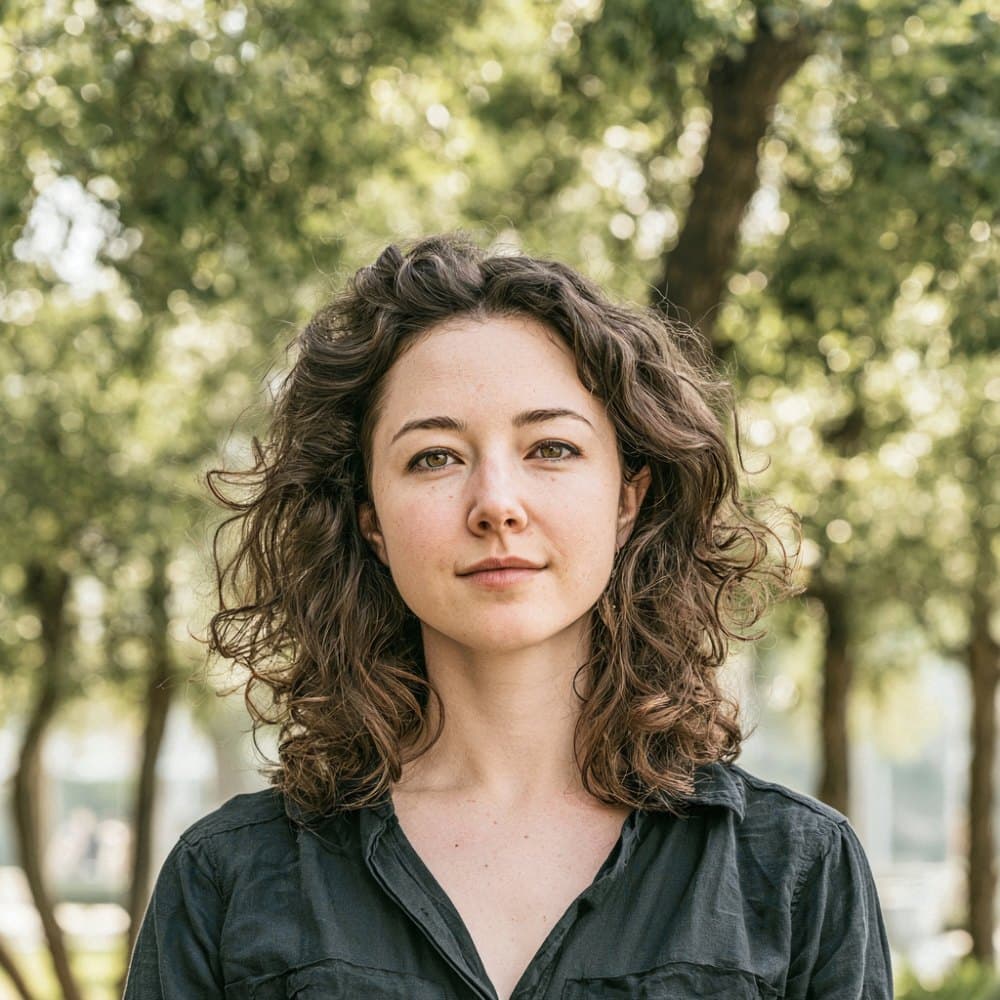

Ecuador visa photos are set by the Ministerio de Relaciones Exteriores y Movilidad Humana
Ecuador’s visa photo standard is published by the Ministerio de Relaciones Exteriores y Movilidad Humana (MREMH, the Cancillería), and one specification covers every visa category: tourism, residence, investor, student, digital nomad, professional, and the new transit visa introduced in June 2025. A 50×50 mm square photo against a pure white background is the single accepted format.
Most applicants submit through the Consulado Virtual (PORTAL eVISAS), the Cancillería’s online portal launched in July 2024. The photo must be uploaded as a JPG file under 1 MB. The portal auto-rejects PDF photo uploads even though every other supporting document has to be a PDF, so the file type matters as much as the image itself. A small number of applicants instead attend a semi-face-to-face appointment at an Ecuadorian consulate, where the same 50×50 mm image is presented as a print alongside the digital upload.
Ecuador handles visa processing directly through MREMH with no VFS, BLS, or TLScontact intake. That means the portal’s automated checks are the first and strictest filter, and non-compliant photos (wrong background, glasses left on, retouched faces) are a leading cause of returned applications and delayed visa issuance.
What the Ecuadorian consulate expects in your visa photo
The Ministerio de Relaciones Exteriores y Movilidad Humana (MREMH) enforces a uniform photo standard across every visa category. Follow these subject-side rules to avoid a portal rejection.
Expression & pose
- Neutral expressionMREMH requires a neutral expression (“expresión neutral”). Do not smile, do not show teeth, and keep the mouth closed.
- Face the cameraThe face must be square to the camera (“rostro de frente”) with the head straight and not tilted to either side.
- Eyes openBoth eyes must be open with the pupils and irises clearly visible. Red-eye is not accepted.
Eyewear & lenses
- No glassesPrescription and non-prescription glasses are prohibited (“sin gafas”) and must be removed before the photo is taken. Wearing glasses is one of the leading causes of rejection by MREMH.
- No tinted lensesSunglasses, tinted lenses, and any eyewear that obscures the eyes are not accepted.
Hair & ears
- Ears visibleBoth ears must be visible. Hair should be tucked back so the outline of the face and the ears is not obscured.
- No bangs over eyesBangs or fringe must not cover the forehead in a way that hides the eyes or eyebrows.
Headwear
- Bare headHats and caps are not permitted. The head must be uncovered for the photo.
- Religious or medical coveringsHead coverings worn daily for religious or medical reasons are accepted only when the full face from chin to forehead is visible and no shadows are cast on the face.
Cosmetics & retouching
- Natural appearanceHeavy makeup that alters facial features is not accepted. Your appearance in the photo must match how you look on the day of application.
- No retouchingMREMH prohibits digital retouching (“sin retoques”). Smoothing, reshaping, or otherwise altering facial features can be treated as document fraud.
Jewelry & clothing
- Unobstructed faceJewelry that covers or distorts facial features is not accepted. Modest earrings and small studs are generally fine if they do not obscure the face.
- Everyday clothingWear normal day clothing. Uniforms are not accepted. Darker tops are recommended so the shoulders read clearly.
Dimensions, resolution & background.
Head position & camera distance.
- Head height, measured from the bottom of the chin to the top of the head, must be between 32 mm and 36 mm (roughly 65–71% of the photo height).
- Eyes must sit between 25 mm and 30 mm from the bottom of the photo.
- The head must be centered horizontally in the frame with a small symmetrical margin on each side.
- Both shoulders must be square to the camera and visible. Three-quarter angles or rotated torsos are not accepted.
- The full face from chin to crown must be inside the frame with proper top margin.
How recent the photo must be.
Your visa photo must have been taken within the last six months. A new photo is required sooner whenever your appearance has changed in a way that makes the old photo no longer recognizable.
You need a new photo if you’ve had…
- Facial surgery or a major change to facial structure
- A significant gain or loss of weight that visibly changes your face
- Large facial tattoos or piercings added or removed
- A gender transition that has changed your appearance
You do not need a new photo just because of…
- A new hair color
- Growing or removing a beard or moustache
- Ordinary, minor aging
- A new hairstyle that still leaves the face fully visible
Other things to know.
A few details about Ecuador’s visa channel are worth flagging before you submit.
JPG only on the portal
The Consulado Virtual accepts the photo only as a JPG/JPEG file. Uploading a PDF photo triggers an automatic portal rejection, even though every other supporting document (passport scan, criminal record, bank statements) must be PDF.
Unified e-Visa system
MREMH runs every visa category, from tourism to residence to the new Transit Visa, through the same Consulado Virtual portal launched in July 2024. The photo specification is identical across all categories, so you do not need a different file for each visa type.
No VAC outsourcing
Ecuador does not use VFS Global, BLS, TLS Contact, or any third-party visa application centre. All processing is handled directly by MREMH, either online or through an in-person consular appointment where a printed 50×50 mm copy is submitted alongside the digital upload.
Photo printed on the visa PDF
Ecuador issues digitally-signed PDF visas with a QR code, and the photo you upload is embedded verbatim on that document. Anything off (glasses left on, a non-white background, a tilted head) will appear on the issued visa itself, so MREMH is strict at intake.
Take your Ecuador visa photo at home in three steps.
Plus a human layer. Your files are ready the moment the automatic checks pass — and a real passport-photo specialist also reviews each one, usually within minutes, touching up small issues or flagging anything that needs your attention.
Free to check, and reviewed by a real expert. You only pay when you keep it.
Print-quality requirements for in-person submissions.
When you submit a printed photo at a visa application centre, the paper, finish, and ink all matter. The points below cover the standards most consular missions accept.
- Print on photographic-quality paper at 300 DPI minimum.
- Use a matte or semi-gloss finish; high-gloss can produce reflections that confuse biometric scanners.
- Do not retouch, crop, or alter the photo after printing.
- Bring at least two identical prints when the submission channel calls for paper photos.