
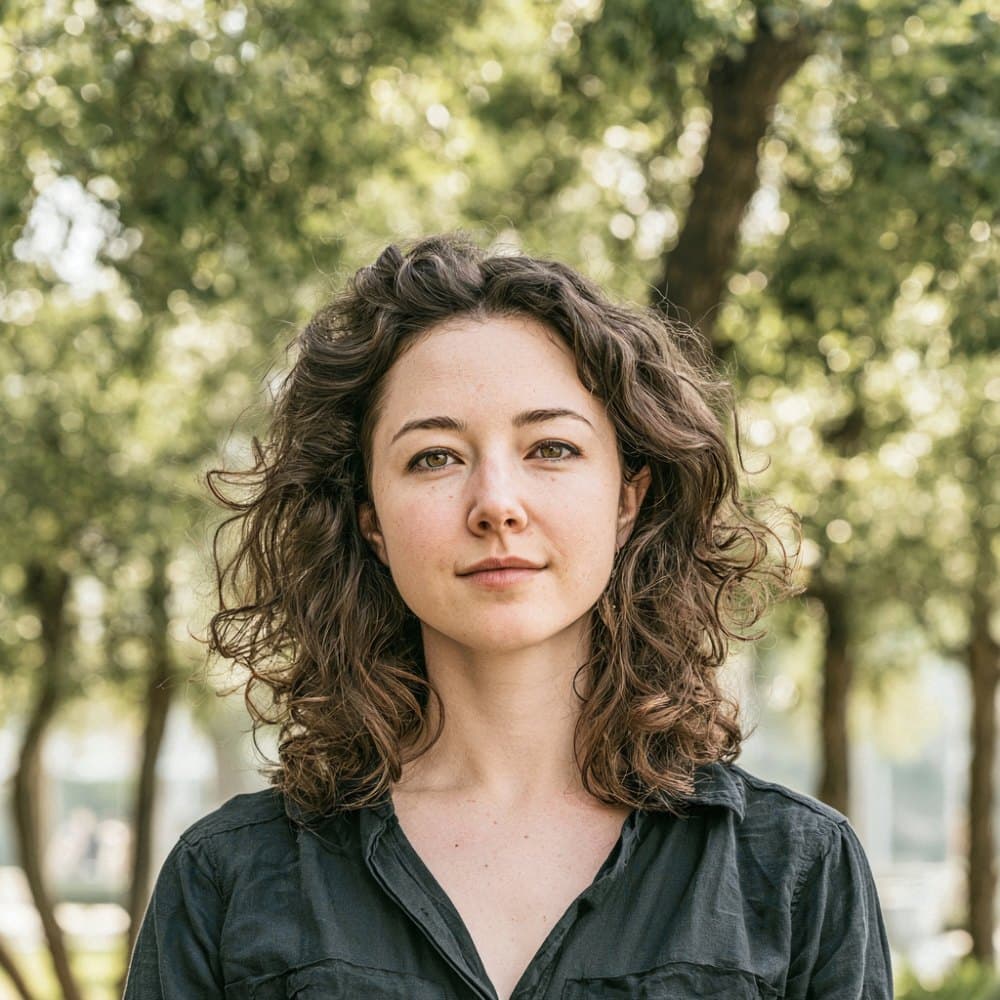
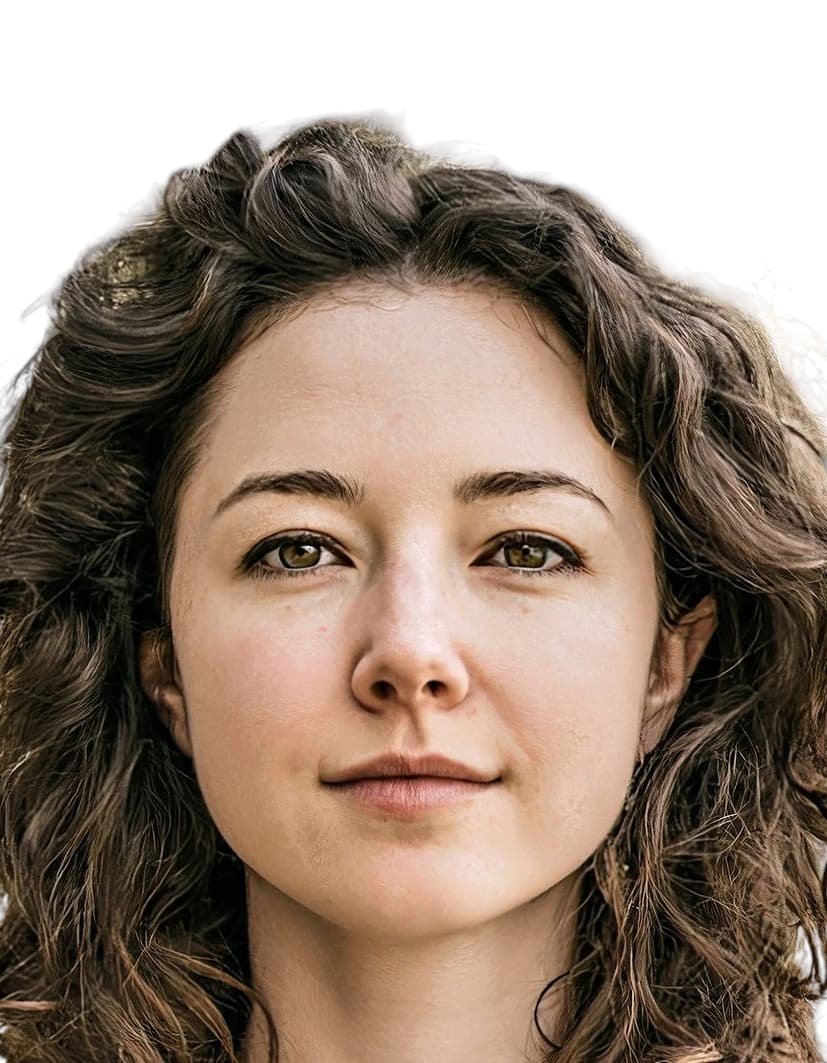
Nigeria passport photo rules set by the Nigeria Immigration Service
The Nigeria Immigration Service (NIS), operating under the Federal Ministry of Interior, sets the specification for every Nigerian passport photo. The canonical rules are published on the official e-Passport portal at passport.immigration.gov.ng and apply to applications submitted domestically and through Nigerian diplomatic missions abroad. NIS references ICAO Document 9303 as the baseline standard for biometric facial capture.
The same 35×45 mm specification covers Nigerian visa photographs, so a compliant passport photo also works for visa submissions. Following the January 2024 portal update and the March 2024 Diaspora rollout, the NIS image-compliance system applies automated biometric checks to every uploaded photograph, with strict enforcement of expression, pose, ear visibility, and background uniformity.
A photograph that fails any of the published NIS criteria is rejected at upload, which delays the application and forces the applicant to retake and resubmit. Because the Guarantor’s Form requires a guarantor to endorse the back of one printed copy, applicants typically need extra prints prepared on paper that accepts ink.
What the Nigeria Immigration Service requires in the photo
The Nigeria Immigration Service (NIS) enforces these subject rules through an automated biometric checker on the e-Passport portal. Photos that fail any rule are rejected at upload.
Expression & pose
- Neutral expressionHold a neutral expression with the mouth fully closed. Smiling, frowning, and visible teeth are not accepted under the January 2024 NIS guidelines.
- Eyes open and forwardBoth eyes must be fully open and looking directly at the lens. Squinting is explicitly prohibited in the current NIS rules.
- Square to cameraFace the camera straight on with the head level. Yaw, pitch, and roll must each stay within 5 degrees of frontal.
- Shoulders visibleBoth shoulders must be square to the camera and equally visible. Three-quarter and profile poses are rejected.
Eyewear & lenses
- EyeglassesAll glasses are prohibited as of the January 2024 NIS e-Passport portal update. Remove prescription frames, reading glasses, and sunglasses before the photo is taken.
- Tinted and coloured lensesSunglasses, tinted lenses, and any darkened eyewear are not permitted under any circumstance.
- Contact lensesClear prescription contacts are permitted. Coloured, patterned, and circle lenses that alter natural eye appearance are prohibited.
Hair
- Face and foreheadHair must not cover the face, eyes, eyebrows, or cheeks. The forehead must remain visible to the automated checker.
- Bangs and fringesBangs must sit above the eyebrows. Fringes that drape across the eyes cause rejection.
- Long hairLong hair must be tied or pulled back so that both ears and the full face contour remain visible.
- Wigs and hairpiecesWigs are accepted only when they mimic the applicant’s natural appearance and do not obstruct the face or ears.
- Hair accessoriesClips, bands, ribbons, and decorative pieces are not permitted in the photo.
Ears
- Both ears visibleBoth ears must be fully visible. The post-2024 NIS checker uses dedicated ear detection and rejects photos where either ear is more than ten percent obscured.
- Hijab exceptionFor applicants wearing a hijab, the ear-visibility rule is replaced by full visibility of the facial oval from chin to forehead.
Headwear
- General ruleHats, caps, traditional caps, gele, fashion headwraps, and scarves are not permitted on civilian e-passport photos.
- Religious head coveringHead coverings worn for genuine religious observance are accepted. The facial oval from chin to forehead must remain fully visible and unshadowed.
- Fabric appearancePermitted religious head coverings must be a uniform, solid colour with no patterns and no visible perforations.
Jewelry & accessories
- EarringsSmall studs are acceptable. Large hoops, drop earrings, and reflective pieces that catch flash are routinely rejected.
- NecklacesSimple, non-reflective necklaces are permitted if they do not cross the jawline or obscure the neckline.
- Facial piercingsFacial piercings are permitted provided they do not obscure facial features or create glare.
- Headphones and earbudsNIS explicitly bans headphones, earbuds, and wireless hands-free devices in the photo.
- Face masksFace masks of any kind are explicitly banned. No part of the face may be obscured.
Cosmetics
- Makeup levelOnly natural, light makeup is acceptable. Heavy makeup that alters base skin tone or facial structure causes biometric mismatch and rejection.
- False eyelashesFalse eyelashes are prohibited when they cast shadows over the eyes or alter the natural eye shape.
Clothing
- Colour and contrastWear mid-tone or dark solid colours. White and near-white tops wash out against the white background and are rejected.
- UniformsCivilian e-passport photos cannot show military, police, or service uniforms. Cultural and traditional attire is acceptable when it contrasts with the background.
Photo issues to avoid
- Shadows on the faceShadows cast on the face by hair, hat brims, or uneven lighting cause rejection. Light must fall evenly across both sides of the face.
- Red-eyeRed-eye is not accepted. NIS does not permit digital red-eye correction, so the photo must be retaken if it occurs.
- Motion blurThe subject must hold still. Any blur from movement of the head or body causes rejection.
Dimensions, resolution & background.
Head position & camera distance.
- Head height, measured from the bottom of the chin to the top of the head, must be between 33 mm and 36 mm (roughly 73–81% of the photo height).
- Eyes must sit between 19 mm and 24 mm from the bottom of the photo.
- Top margin (from the top of the head to the top edge): 2–3 mm.
- The head must be centered horizontally in the frame, with a small symmetrical margin on each side.
- Shoulders must be square to the camera and both visible. No three-quarter angles or rotated torso.
- The full face, from chin to crown, must be inside the frame with proper top margin.
Nigeria accepts more than one size — we generate them all.
Nigeria publishes more than one acceptable format depending on where you submit your application — domestic passport offices, the official online portal, and regional consulates abroad can each call for a different print or pixel size. We render every variant below from the same source photo, so the head sits at the same physical position across files, and each one arrives in your order email with a clear filename indicating which submission channel it's for.
Nigeria Passport 35×45 mm
Primary · Print + DigitalNigeria's official format — the same file works for both printed in-person submissions and the online portal upload.
Nigeria Passport 600×800 px
Digital uploadDigital-only format for online submission — not intended for printing.
How recent the photo must be.
Your passport photo must have been taken within the last six months. A new photo is required sooner whenever your appearance has changed in a way that makes the old photo no longer recognizable.
You need a new photo if you’ve had…
- Facial surgery or a major change to facial structure
- A significant gain or loss of weight that visibly changes your face
- Large facial tattoos or piercings added or removed
- A gender transition that has changed your appearance
You do not need a new photo just because of…
- A new hair color
- Growing or removing a beard or moustache
- Ordinary, minor aging
- A new hairstyle that still leaves the face fully visible
Photos for infants and young children.
The Nigeria Immigration Service applies ICAO leniency for very young children, as documented in the NIS guidelines.
Children under 5 years
Slight deviations from the neutral-expression and frontal-pose rules are tolerated for applicants under five, in line with the ICAO leniency clause cited by NIS.
- ExpressionA slight smile or partially open mouth is accepted. A fully neutral expression is not required.
- EyesBoth eyes should still face the camera. Closed eyes are not accepted.
- PoseMinor deviations from a perfectly square pose are tolerated, provided the face remains centred and visible.
- Infants lying downInfants may be photographed lying on a plain white sheet viewed from directly above.
- Nobody else in frameNo hands, supports, toys, pacifiers, or other people may appear in the photo. The child must be alone in the frame.
Country-specific details to know.
A few Nigeria-specific rules sit outside the standard subject checklist.
Face mask ban
Nigeria was one of the first jurisdictions to formally codify a ban on face masks in passport photos after COVID. The NIS rule reads: do not use any apparel, headphone, mask, etc.
Headphones and earbuds
NIS explicitly names headphones, earbuds, and wireless hands-free devices as prohibited items in the frame. Remove all such devices before the photo is taken.
Guarantor endorsement on back
The NIS Guarantor’s Form requires the guarantor to sign and endorse the reverse of one printed photograph. The back of that copy will not remain pristine, so order extra prints and use paper that accepts ink.
No-squinting rule
The January 2024 NIS guidelines added an explicit no-squinting rule. Both eyes must be fully and naturally open at the moment of capture.
As easy as snap, upload, done.
You take a quick picture. We do the spec work and tell you immediately if anything needs a retake.
Plus a human layer. Your files are ready the moment the automatic checks pass — and a real passport-photo specialist also reviews each one, usually within minutes, touching up small issues or flagging anything that needs your attention.
Free to check, and reviewed by a real expert. You only pay when you keep it.
Print & paper standards.
If you submit a printed photo with a paper application, the print itself has to meet acceptance-facility standards in addition to the rules above.
- High-quality photo paper (matte or glossy finish).
- Inkjet and dye-sublimation printing are both accepted.
- No visible pixels, banding, dithering, or printer artifacts.
- The print must be undamaged: no creases, holes, smudges, staples, or pinholes.
- 2 identical prints are required.